GETTING STARTED
Getting started시작하기
Installed to your first diff, in four steps.설치부터 첫 비교까지, 네 단계예요.
Installed to your first diff. Each step says which screen you are on before it says what to do, and ends with what you should see. Numbered steps are the ones everybody walks.설치부터 첫 비교까지예요. 단계마다 지금 어느 화면인지가 먼저 나오고, 그다음이 거기서 할 것, 마지막이 무엇이 보이면 넘어가도 되는지예요. 번호가 붙은 것은 모두가 순서대로 밟는 것이에요.
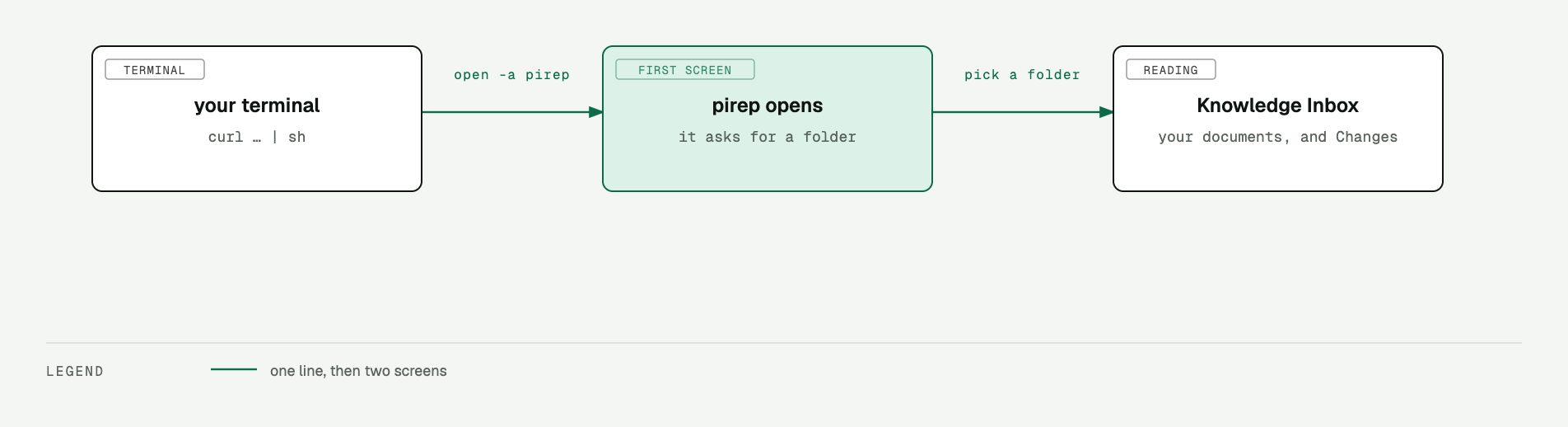
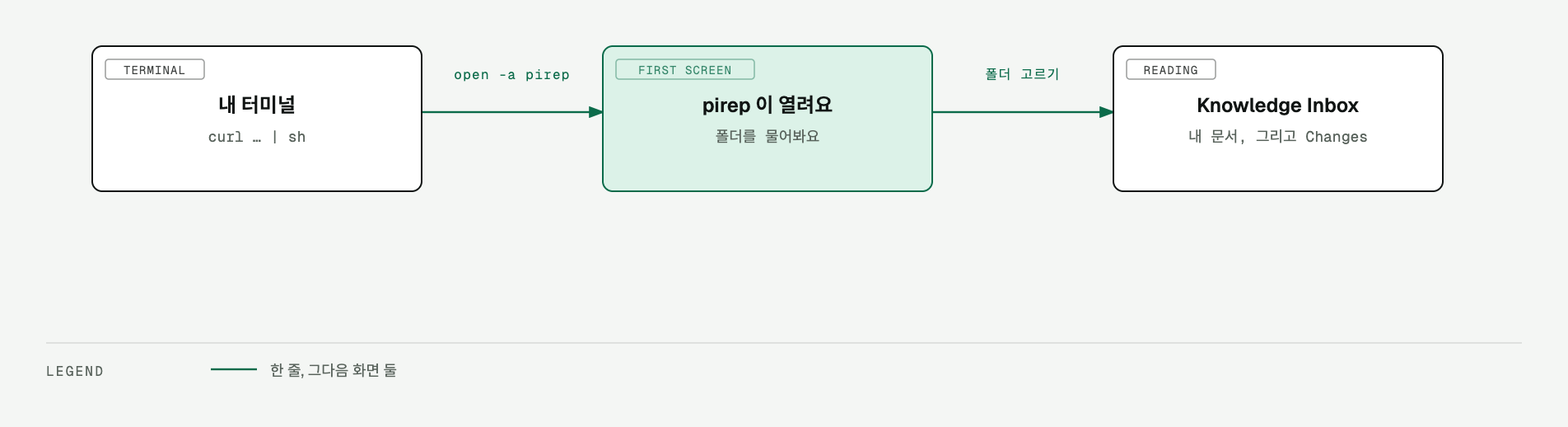
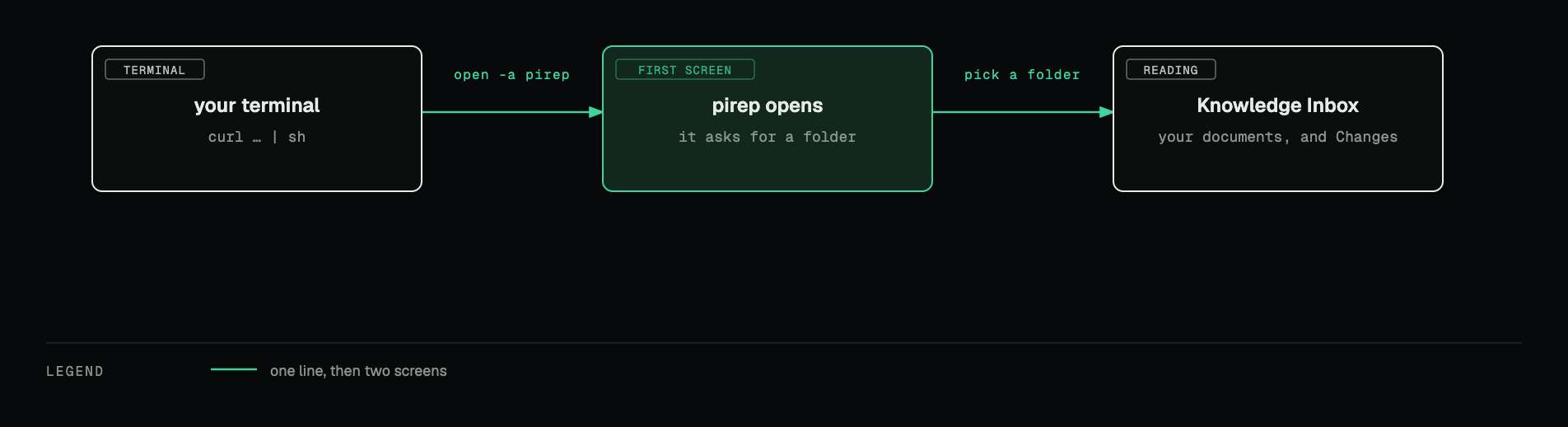
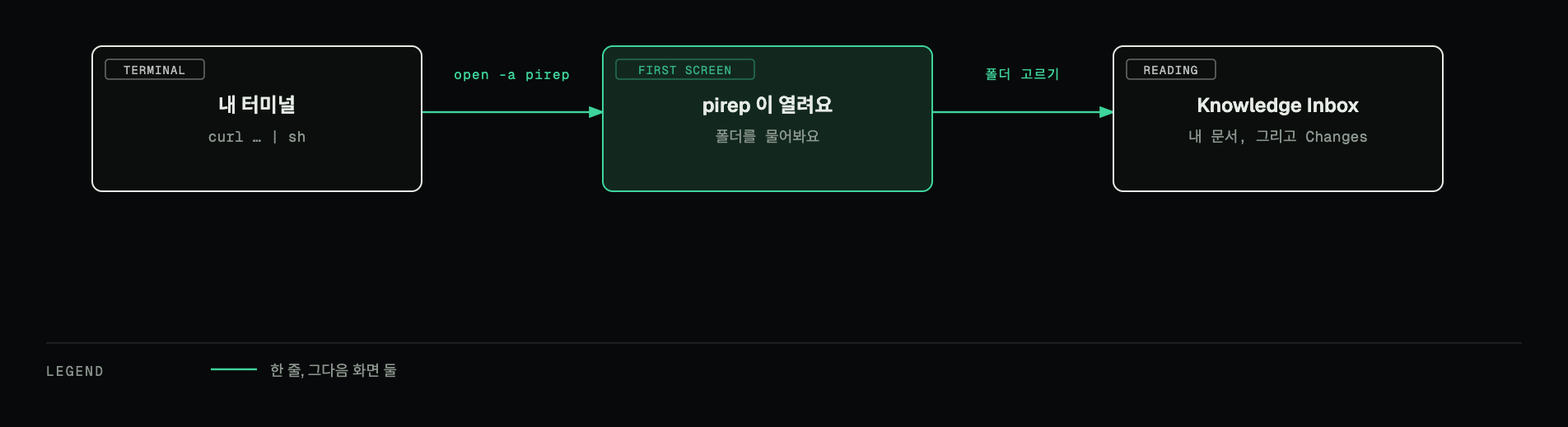
three screens, and no security prompt on this route지나가는 화면은 셋이고, 이 길에는 보안 경고가 없어요
01terminal터미널Install설치
TERMINAL
$ curl -fsSL https://pirep.garamnoh.workers.dev/install.sh | sh
Installs the latest release in /Applications. No sudo, and it prints how to open it when it is done.최신 릴리스를 /Applications 에 넣어요. sudo 안 쓰고, 끝나면 여는 법까지 알려줘요.
WHAT IT PRINTS
Installed → /Applications/pirep.app
Open it: open -a pirep
Remove it: rm -rf /Applications/pirep.app
you are through when되면
pirep is in /Applications and the three lines above are on screen./Applications 에 pirep 이 생기고 위 세 줄이 찍혀요.
if /Applications is not writable/Applications 에 못 쓸 때
The installer tells you how to put it in your home folder instead.설치 스크립트가 집 폴더로 넣는 방법을 알려줘요.
TERMINAL
$ curl -fsSL https://pirep.garamnoh.workers.dev/install.sh | DEST="$HOME/Applications" sh
02terminal → pirep터미널 → pirepOpen it열기
TERMINAL
$ open -a pirep
It opens straight away — no security prompt on this route.바로 열려요. 보안 경고 같은 건 안 나옵니다.
you are through when되면
The window opens on the screen that asks for a folder.pirep 창이 뜨고 폴더를 묻는 첫 화면이 보여요.
03pirep, first screenpirep 첫 화면Pick a folder — your Base폴더 하나 고르기 — Base
The first screen offers two ways in. Both open the native folder picker; take the right one if you already keep notes somewhere.첫 화면에 들어가는 길이 둘 있어요. 둘 다 맥 기본 폴더 선택창을 열고, 이미 쓰던 노트 폴더가 있으면 오른쪽이에요.
FIRST SCREEN
New Base Create an empty folder and set it as a pirep Base.
Open existing folder Open a folder that already contains markdown.
pirep then walks the folder. Versions live in a .pirep folder inside it; your documents do not move.고르면 pirep 이 폴더를 훑어요. 버전은 그 안 .pirep 에만 쌓이고, 문서는 자리 그대로예요.
you are through when되면
The Knowledge Inbox opens, with QUEUE and FILES in the sidebar.Knowledge Inbox 가 열리고, 왼쪽 사이드바에 QUEUE · FILES 두 탭이 보여요.
to change it later나중에 바꾸려면
Settings → Base → Change opens the same picker.Settings → Base → Change. 같은 폴더 선택창이 열려요.
04pireppirepSee what changed outside밖에서 바뀐 걸 확인
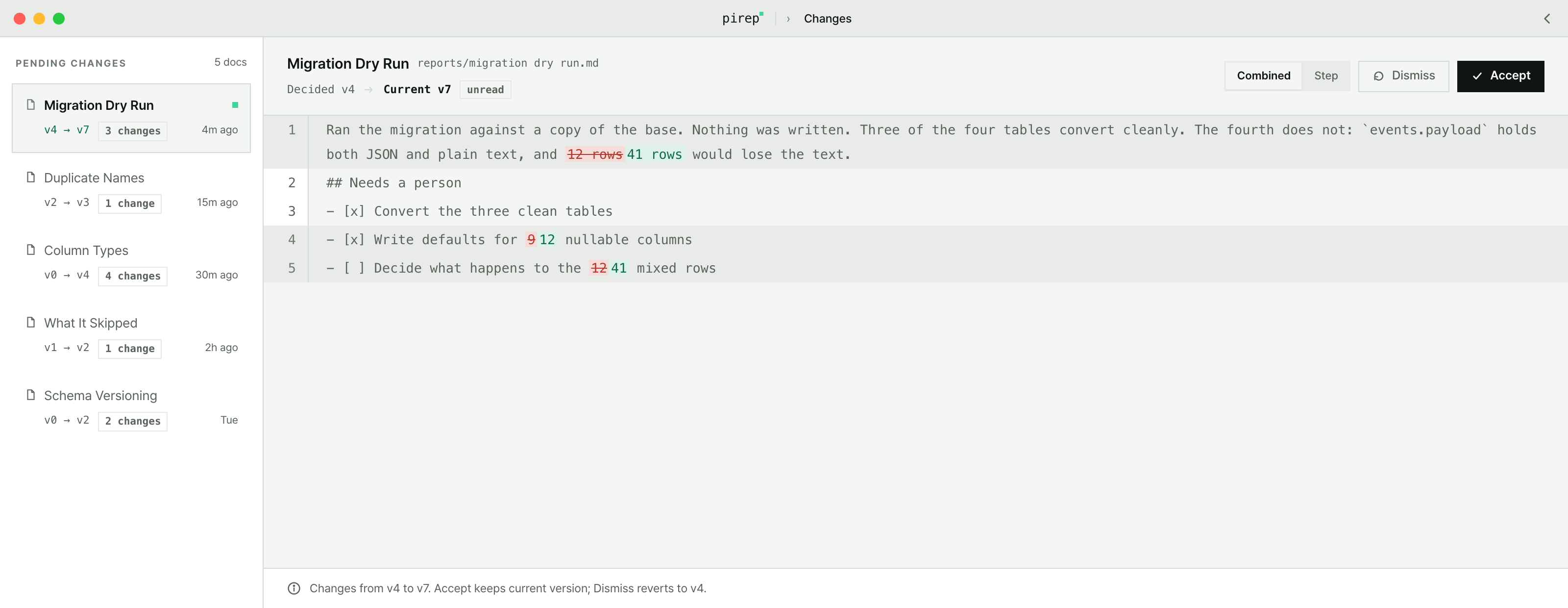
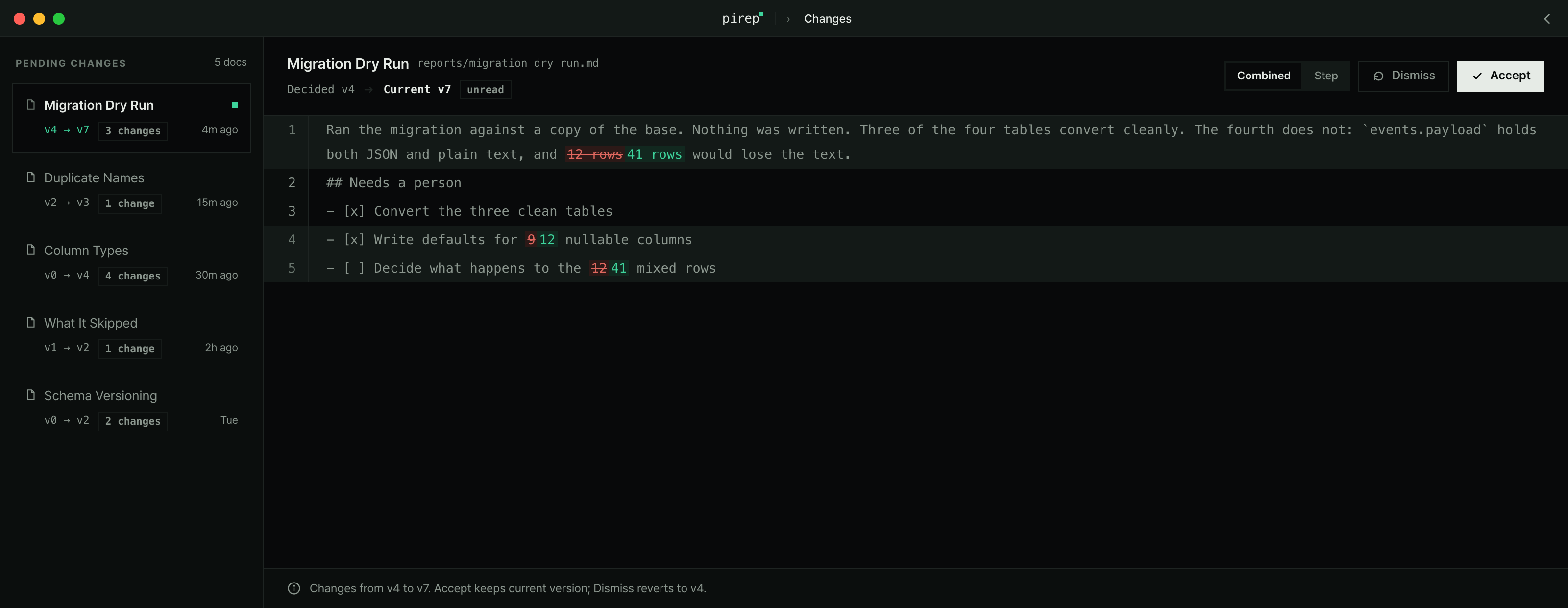
Leave pirep open and change a file in your Base from a terminal.pirep 은 열어 둔 채로, 터미널에서 Base 안의 파일 하나를 고쳐 보세요.
TERMINAL
$ echo "a line from outside" >> ~/Notes/some-note.md
you are through when되면
The document appears under Changes at the top of QUEUE, and opening it shows the added line. ⌘U jumps there, ⇧⌘R marks it read.사이드바 QUEUE 맨 위 Changes 에 그 문서가 올라오고, 열면 추가된 줄이 표시돼요. ⌘U 로 바로 가고, 읽었으면 ⇧⌘R.
if there is no Changes row at allChanges 줄이 아예 안 보이면
Nothing has changed. The row is hidden when the list is empty.바뀐 게 없는 거예요. 변경이 없을 때는 그 줄 자체가 안 나타나요.
if you installed from the dmg insteaddmg 로 받았다면
A dmg fetched with a browser carries macOS's quarantine flag, so the first launch can be stopped with an unidentified-developer warning. The one-line install never shows it: the flag is put there by the browser, and install.sh strips it.브라우저로 받은 dmg 에는 macOS 가 격리 표시를 붙여요. 그래서 처음 열 때 '확인되지 않은 개발자' 경고가 뜰 수 있습니다. 한 줄 설치에는 안 뜨는 이유도 같아요 — 그 표시를 붙이는 건 브라우저고, install.sh 가 마지막에 지우거든요.
Dismiss the warning, then System Settings → Privacy & Security → Open Anyway → Open. Once, and never again.경고를 닫고 → 시스템 설정 → 개인정보 보호 및 보안 → pirep 이 차단됐다는 줄에서 확인 없이 열기 → 열기 로 확인. 한 번만 하면 돼요.
If macOS says the app is damaged, remove only the flag and open it again.'손상되었다'고 나오면 표시만 지우고 다시 열면 돼요.
TERMINAL
$ xattr -dr com.apple.quarantine /Applications/pirep.app
Everything else is in the나머지는 전부 docs문서에 있어요
pirep
2026 · made in Jeonju2026 · 전주에서 만들었어요