Read what your agents에이전트가 바꾼 것만 changed읽어요
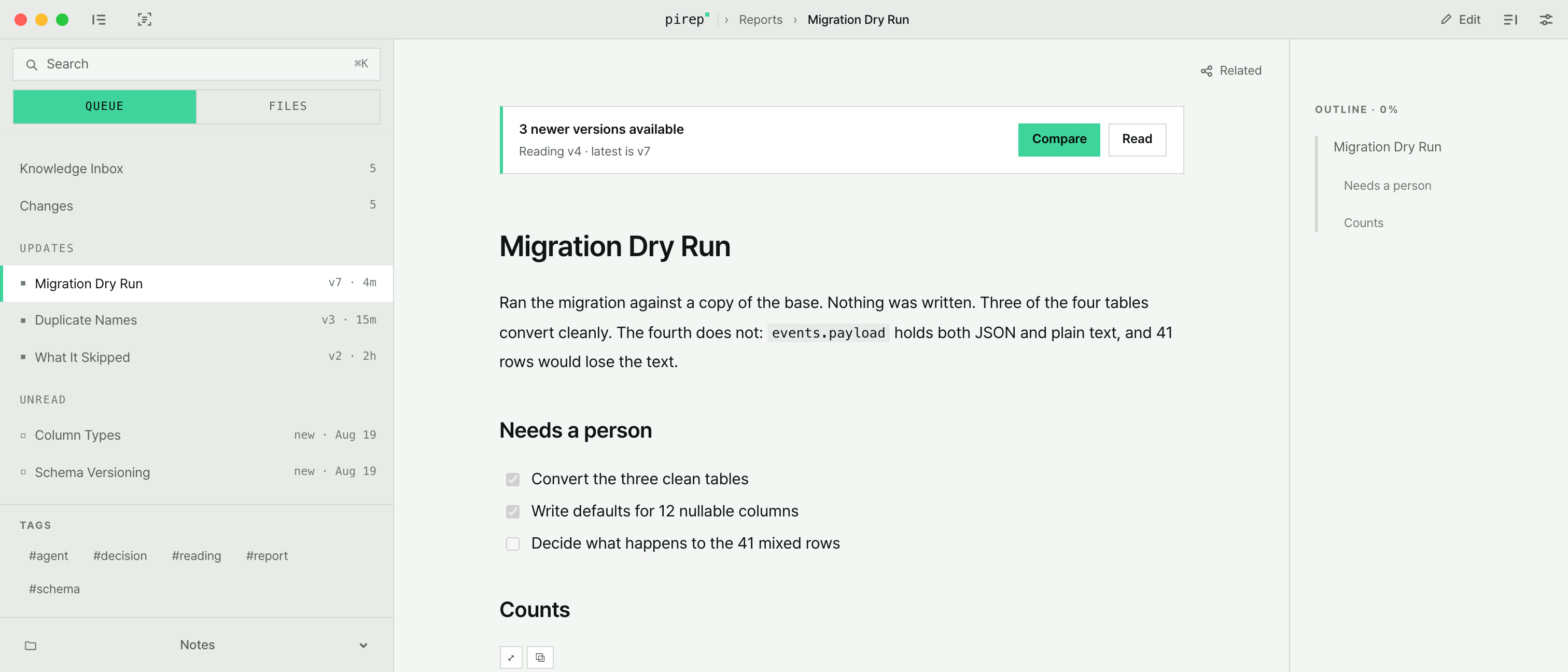
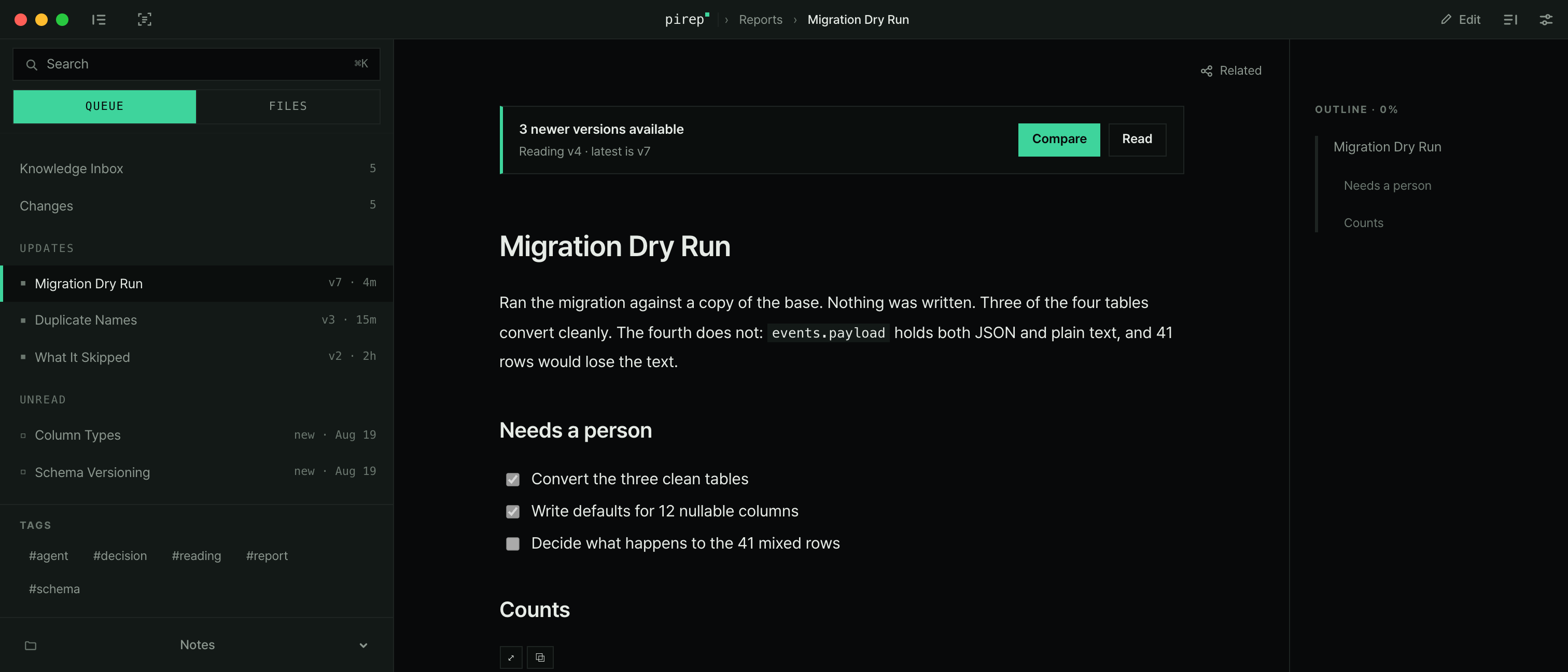
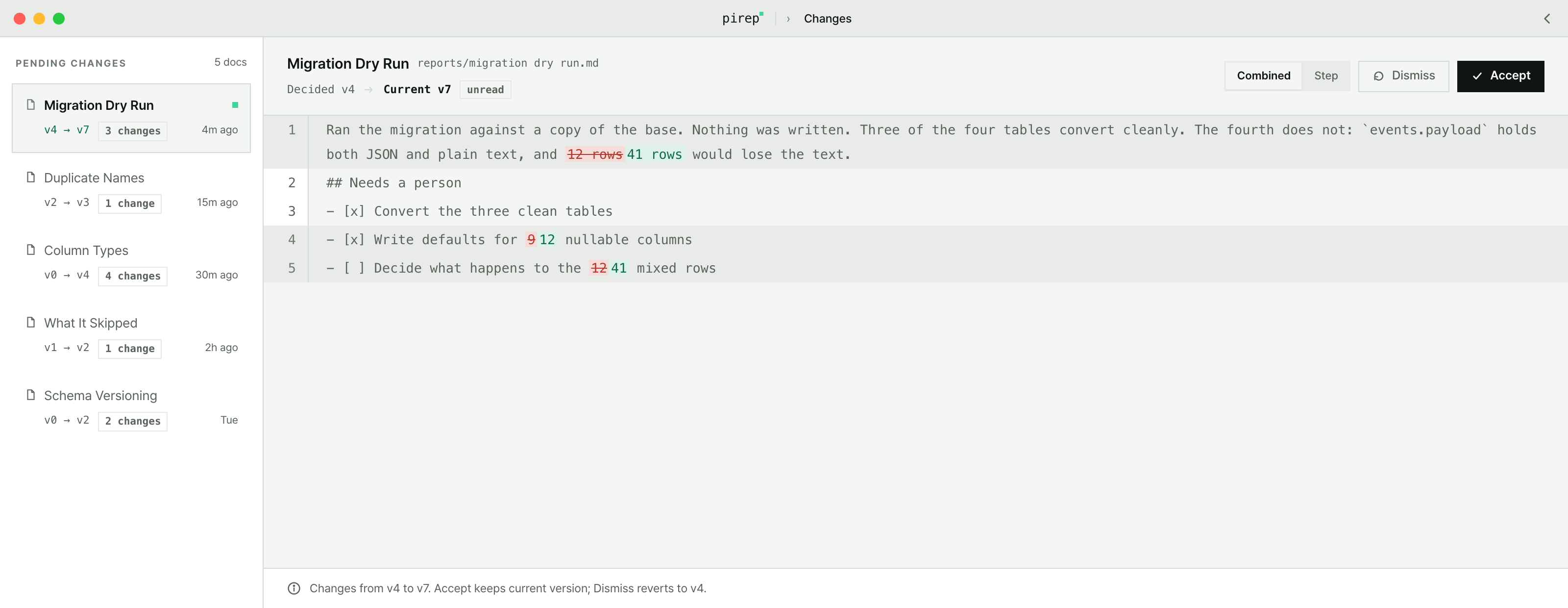
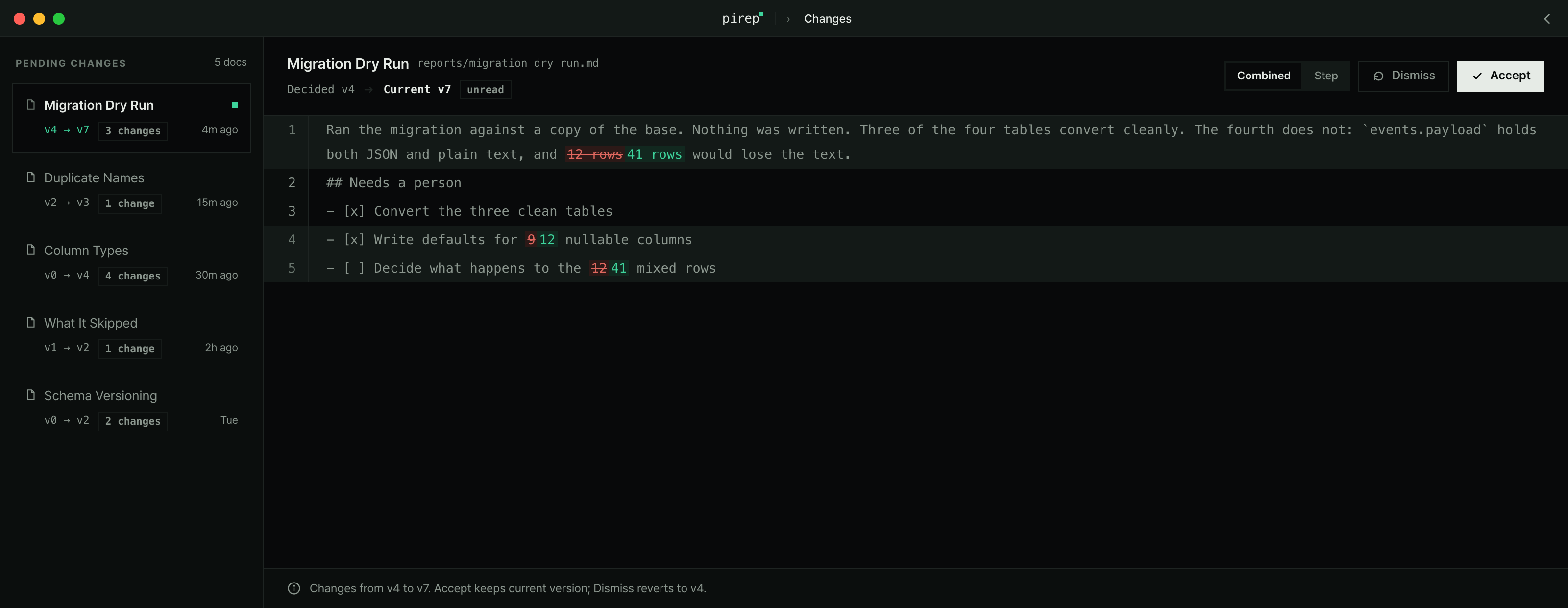
Your agents write the documents. pirep shows only what changed since you last read them, and leaves the files where they are — plain markdown on your machine.에이전트가 문서를 남기면, pirep은 지난번에 읽은 뒤로 바뀐 것만 보여줘요. 파일은 내 컴퓨터의 마크다운으로 그대로 남아요.
They write faster than you read쓰는 속도가 읽는 속도보다 빨라요
An agent edits a document at three in the morning and again at lunch. By the time you open the folder, half of it has moved and nothing says which half. Opening every file to find out is the work the agent was meant to save you.에이전트는 새벽 세 시에도 점심에도 문서를 고쳐요. 폴더를 열어 보면 절반이 달라져 있는데 어디가 달라졌는지는 아무도 말해 주지 않아요. 결국 다 열어 보게 되고, 그건 에이전트에게 맡긴 일이었어요.
Only what changed since you last read지난번에 읽은 뒤로 바뀐 것만
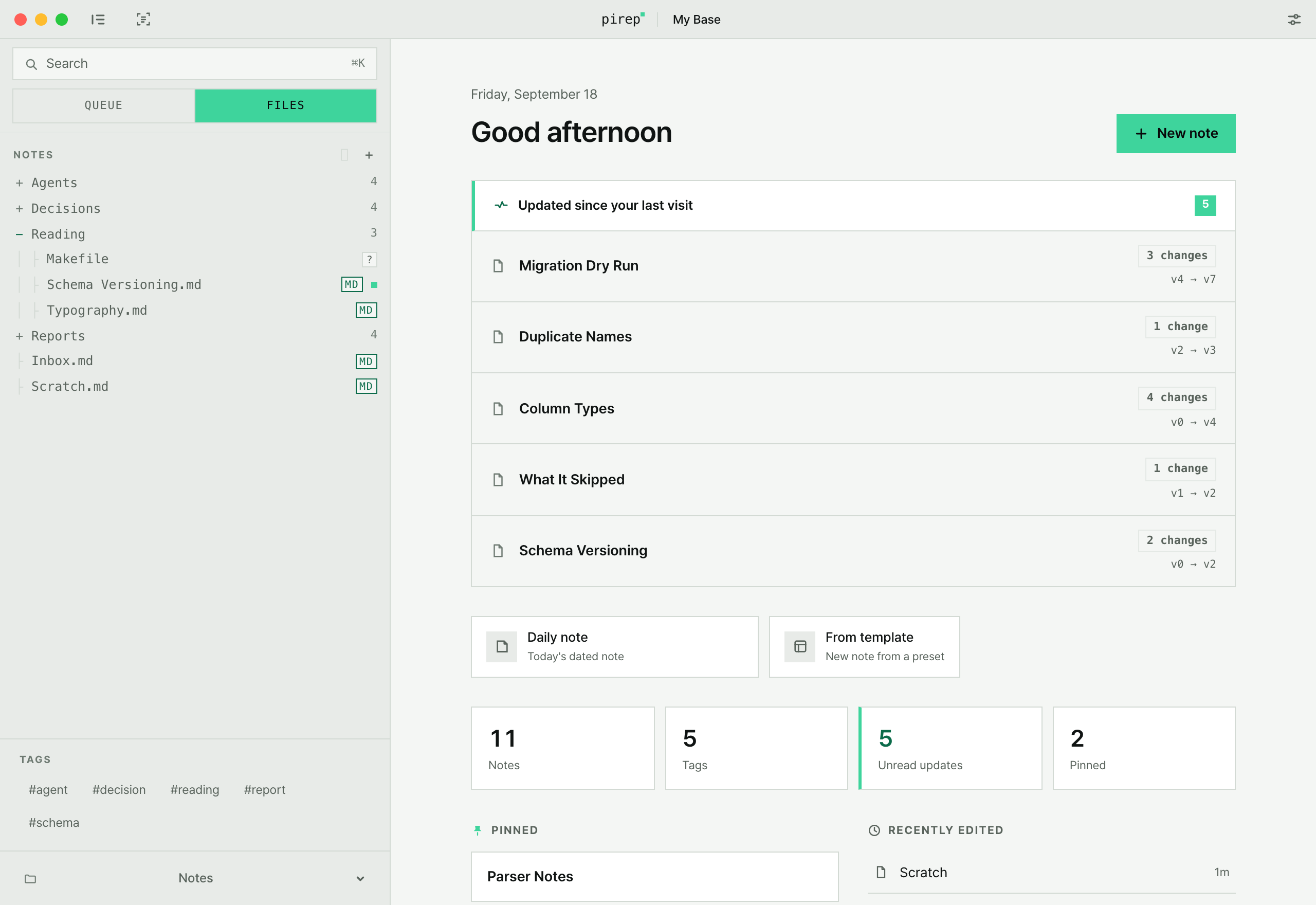
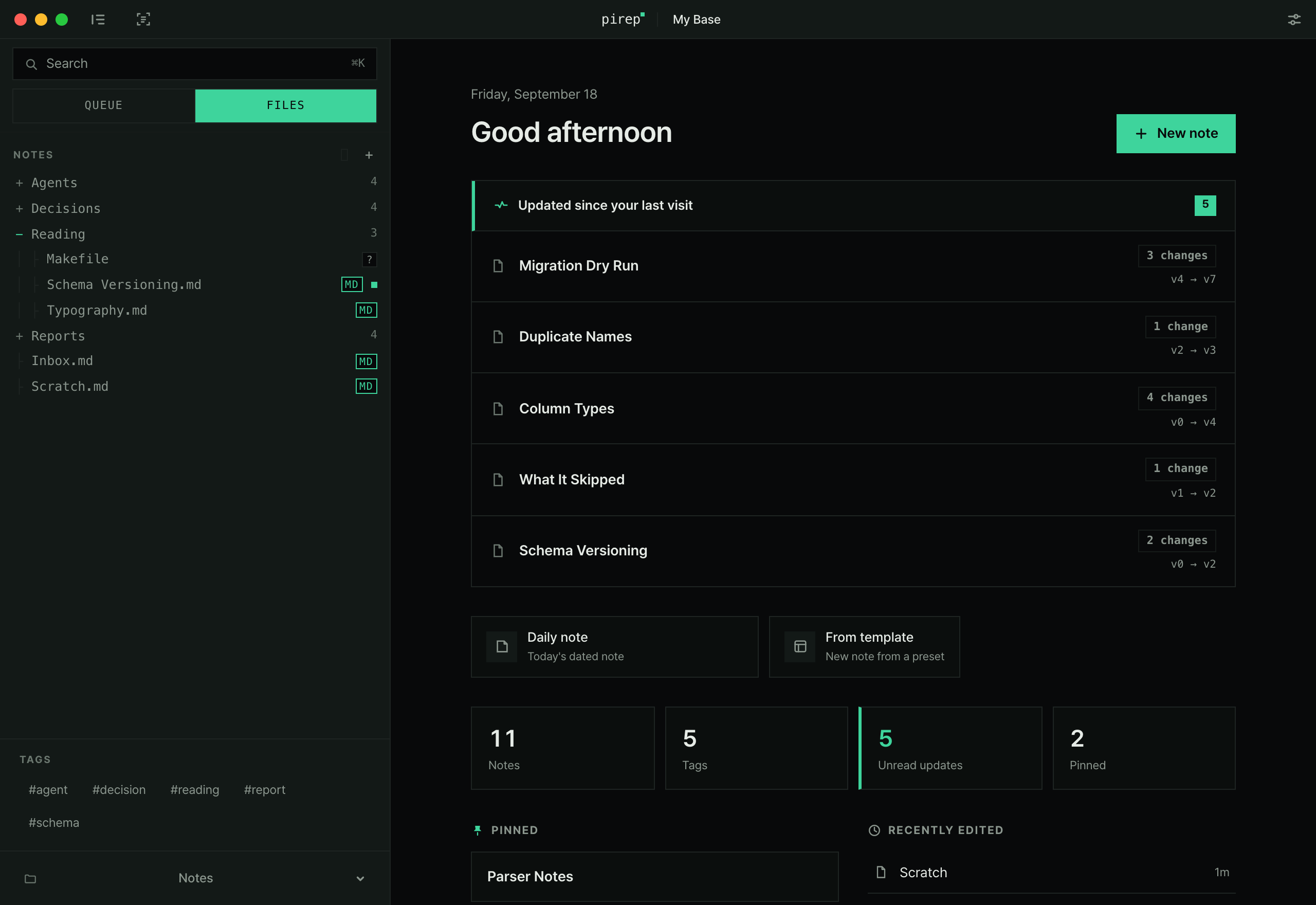
Notes edited by an AI agent, or saved from another editor, arrive as unread updates. Whether to keep or revert them is your call.AI가 고친 문서도, 다른 편집기에서 저장한 문서도 읽지 않은 업데이트로 쌓여요. 받아들일지 되돌릴지는 직접 고르세요.
Your folder, untouched폴더는 건드리지 않아요
pirep opens a folder and reads it. Files never leave your disk and the format never changes. Remove pirep and every note is still there.pirep은 폴더를 열어서 읽어요. 파일을 서버로 보내지 않고, 형식도 바꾸지 않아요. pirep을 지워도 문서는 그대로 남아요.
Read, then mark it read읽으면 목록에서 빠져요
No folders to build, nothing to file. Changed notes and unread notes stay in the list, and reading one takes it out.폴더를 만들고 옮기는 일은 하지 않아도 돼요. 바뀐 문서와 아직 안 읽은 문서만 목록에 남고, 읽으면 빠져요.
pirep compares the version you read with the version on disk and shows what moved.지난번에 읽은 버전과 지금 버전을 비교해서, 무엇이 달라졌는지 알려줘요.
A new file stays in the list until you read it. Nothing to mark by hand.새로 생긴 문서는 읽기 전까지 목록에 남아요. 따로 표시하지 않아도 돼요.
A note you have read leaves the list. No deleting, no archiving.다 읽은 문서는 목록에서 빠져요. 지우거나 옮기지 않아도 돼요.
pirep is a feedpirep은 피드예요
One line and it's installed한 줄이면 설치돼요
Paste it into a terminal. Then pick the folder your markdown is in — there is nothing else to set up.터미널에 붙여 넣고, 마크다운이 있는 폴더 하나만 고르면 끝이에요. 처음에 설정할 건 없어요.
Step by step, from install to your first result →설치부터 첫 결과까지 단계별로 보기 →
If you would rather not use a terminal, take the dmg from the 터미널이 싫으면 release page릴리스 페이지. An app installed that way needs one pass through System Settings > Privacy & Security > Open Anyway on its first launch.에서 dmg를 받으세요. dmg로 받은 앱은 첫 실행 때 시스템 설정 > 개인정보 보호 및 보안에서 한 번 열어 줘야 해요.